Botpress
Botpress is an AI-agent and customer-service platform for product and support teams that need to build, deploy, and supervise assistants grounded in company knowledge without assembling every orchestration layer themselves. Teams can build an agent themselves in Viber or Studio, commission a managed build, ground it in approved knowledge and structured tables, deploy it to supported channels, and keep a human escalation path in Botpress Desk or a connected helpdesk.
Botpress is an AI-agent and customer-service platform for product and support teams that need to build, deploy, and supervise assistants grounded in company knowledge without assembling every orchestration layer themselves. Teams can build an agent themselves in Viber or Studio, commission a managed build, ground it in approved knowledge and structured tables, deploy it to supported channels, and keep a human escalation path in Botpress Desk or a connected helpdesk.
Botpress is an AI-agent and customer-service platform for product and support teams that need to build, deploy, and supervise assistants grounded in company knowledge without assembling every orchestration layer themselves.
- Views
- 0
- Uses
- 0
- Favorites
- 0
- Supported Platforms
- Web · API · WhatsApp · Messenger · Slack · Custom integrations
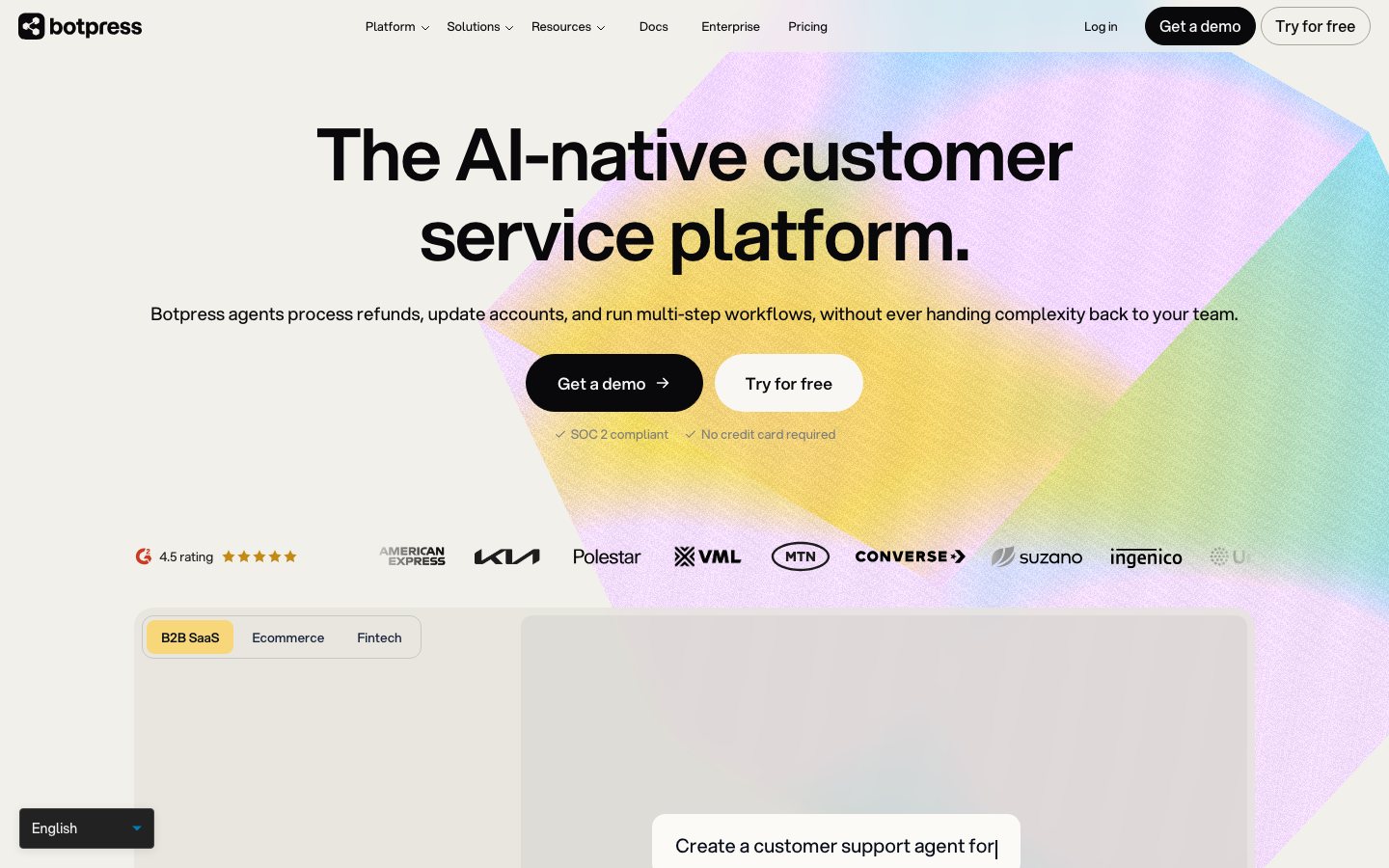
Buying view: Botpress fits a team that wants to build its own support or shopping agent and can own the data connections, actions, tests, and live handoff. It is an agent-building platform rather than a preconfigured ecommerce help desk, and human handoff begins on the Plus plan.
Capabilities
Botpress helps teams build customer-facing agents with maintained knowledge, configured business actions and human support. Builders use Viber or Studio to define behavior, test a working version and publish it to enabled channels. Desk handles the team’s conversation work, while knowledge, tables and tools provide the information and permitted actions used by each agent.
Choose how to build the agent
Botpress supports natural-language building in Viber and explicit visual workflows in Studio. The resulting agent needs knowledge, permitted actions and a published channel before customers use it.
Botpress Viber
Describe the agent’s job and refine its behavior through instructions. Preview runs the working version, while customers use the separately published version.
Publish and share an agent ↗Botpress Studio
Build explicit steps around knowledge, tools and conversation handling. The builder controls fixed rules and grants the actions an agent may use.
Botpress platform capabilities ↗Built by Botpress is a managed delivery service. It changes who builds and maintains the agent, rather than adding a mandatory step to every conversation.
Prepare knowledge, actions and human support
These capabilities are configured for the agent’s particular job. Available tools are choices for handling a request, not actions that all run on every message.
Knowledge Bases
Add approved website or file content for the agent to consult. Keep the material current and inspect whether answers use the intended source.
Agent knowledge ↗Tables and tools
Tables hold structured records that configured steps can query or update. External tools need their own connection and permissions before an agent can act on a business system.
Botpress platform capabilities ↗Botpress Desk
Desk gives the support team a workspace for conversations requiring a person. Teams configure routing and assignment, then use the available analytics to inspect workload and handling.
Botpress platform capabilities ↗Channels and Help Center
Publish the agent to an enabled channel such as Webchat, and use Help Center for customer self-service content. Channel configuration, branding and access controls remain part of deployment.
Publish and share an agent ↗Build, publish and maintain an agent
The team configures and tests a working version, then publishes it to enabled channels. Later edits stay in the working version until the team publishes again; this delivery process is separate from one customer conversation.
- Define the agent’s job
Specify the intended questions and behavior. Keep business permissions separate from instructions about tone.
- Add knowledge and permitted tools
Supply reference content and connect the required tools. Grant only the actions needed for this agent’s job.
- Test the working version
Use Preview to inspect answers and behavior. Correct the configuration when a representative question exposes a gap.
- Enable a channel and publish
Review the channel and change summary, then publish. Share the hosted Webchat or add its supplied embed snippet to the site.
- Improve and republish
Inspect conversations and update knowledge or behavior. Publish again when the live channels should receive the changes.
Build a store-policy assistant
A support team wants website visitors to find answers about delivery and returns. The assistant consults approved store documents and offers the configured support contact when the request falls outside that scope.
Preparation
Prepare current policy pages or files, example questions, an approved support contact and access to the website embed location. This example does not connect private order lookup or refund tools.
Build and test
Define the support scope
Describe the delivery and returns questions the agent should answer. Specify that the agent should respond to an unsupported request with the support contact rather than inventing a policy or claiming that a refund has been completed.
Connect the policy knowledge
Add the approved website pages or files as knowledge. Ask representative questions and check that the answers agree with the current documents.
Test boundaries in Preview
Test an ordinary policy question, missing information and a request to refund an order. Revise instructions when the reply goes beyond the supplied knowledge or implies an action that was not connected.
Publish and check the website entry
Enable Webchat, review the changes and publish. The website maintainer uses the supplied embed snippet, then checks the published answer and support contact; future corrections require republishing.
Illustrative run
For example, a shopper asks whether opened goods can be returned. The agent answers from the supplied policy. If the shopper asks it to issue a refund, it provides the configured support contact; showing that contact does not transfer the conversation into Desk.
Result and responsibility
The team gets a published policy assistant with a bounded contact route. Operations maintains the source documents and checks conversations; private order access or automatic handoff would require additional configuration.
Commercial plans
View official pricing detailsBotpress prices depend on conversation volume, recurring conversation packs and AI usage. Its official page already has a volume configurator. The current plans below are reference configurations, not a fixed all-in budget recommendation; the old message-based plans no longer describe this offer.
Botpress current plans and usage charges
| Product or sales surface | Scope | Public price and status |
|---|---|---|
| Free | Hard-capped exploration plan; no paid top-ups. Included plan entitlements
| $0 |
| Plus | Reference configuration: 250 conversations/month under annual billing; usage charges can increase the bill. Included plan entitlements
| $150/month equivalent, billed annually |
| Team | Reference configuration: 1,500 conversations/month under annual billing; usage charges can increase the bill. Included plan entitlements
| $750/month equivalent, billed annually |
| Enterprise | Custom conversation volume and purchasing agreement. Included plan entitlements
| Custom quote |
| Managed agent service | Agents built and maintained by Botpress experts; service scope agreed separately with sales. Included plan entitlements
| Contact sales |
| Conversation packs and AI credit top-ups | Paid-plan auto-recharge triggers when usage reaches 95% of the relevant quota; conversation recharge cannot be disabled. Included plan entitlements
| Plus: $65/100 conversations; Team: $50/100; AI credit grants: $10 |
| Storage add-on | Optional extra capacity for Plus and Team; unavailable on Free. Included plan entitlements
| $40/month |
Comparable tools: price and workflow
| Tool | Workflow difference | Official public price reference |
|---|---|---|
| Dify | Dify: Self-hostable visual LLM application platform for RAG chatbots, agents, and workflows. Botpress: Visual and code-extensible AI agent builder for custom support and commerce workflows. | Sandbox — $0Professional — $59/workspace/monthTeam — $159/workspace/monthEnterprise — Custom quoteCommunity — Free self-hosted software; infrastructure extraDify pricing ↗ |
| n8n AI Agents | n8n AI Agents: Build self-hosted AI agent workflows with visual nodes, code, and API integrations. Botpress: Visual and code-extensible AI agent builder for custom support and commerce workflows. | Starter — €20/month billed annuallyPro — €50/month billed annuallyBusiness — €667/month billed annuallyEnterprise — Custom quoteCommunity — Free self-hosted software; infrastructure extran8n AI Agents pricing ↗ |
| Zowie | Zowie: Enterprise customer-facing AI with deterministic policy execution and cross-channel observability. Botpress: Visual and code-extensible AI agent builder for custom support and commerce workflows. | Enterprise — Custom quoteZowie pricing ↗ |
| Zendesk AI | Zendesk AI: Zendesk customer service plans with outcome-priced AI agents and enterprise controls. Botpress: Visual and code-extensible AI agent builder for custom support and commerce workflows. | Support Team — $19/agent/month billed annuallySuite Team — $55/agent/month billed annuallySuite Professional — $115/agent/month billed annuallySuite Enterprise — Contact salesCopilot add-on — $50/agent/month billed annuallyZendesk AI pricing ↗ |
| Make AI Agents | Make AI Agents: Build visual AI agent workflows across 3,000+ apps with drag-and-drop simplicity. Botpress: Visual and code-extensible AI agent builder for custom support and commerce workflows. | Free — $0/monthCore — $9/month for 10,000 creditsPro — $16/month for 10,000 creditsTeams — $29/month for 10,000 creditsEnterprise — Contact salesMake AI Agents pricing ↗ |
Frequently asked questions
What is Botpress?
Botpress is a visual platform for building and operating AI agents across messaging channels.
How much does Botpress cost?
Free is $0, Plus is $150 monthly and Team is $750 monthly on annual billing; usage and add-ons can be separate. Confirm taxes, usage charges and current contract terms on the linked official pricing source before purchase.
Which tools integrate natively with Botpress?
The verified first-party directory lists WhatsApp, Slack, Telegram, Microsoft Teams, Messenger, Notion, Zendesk, HubSpot. Each connector supports a defined data path, so check its guide before assuming every object or action is available.
Who is Botpress best for?
Botpress is best suited to teams building custom conversational agents with integrations and controlled actions. The practical fit still depends on data volume, team skills and the systems already in use.
What are the main Botpress alternatives?
This page compares Dify, n8n AI Agents, Zowie, Zendesk AI, Make AI Agents. Compare their complete plan prices, workflow scope, native connections and data ownership against the same operating scenario.
What should buyers check before choosing Botpress?
Check this boundary first: conversation packs, model spend, storage and implementation are not all included in the base plan. Run a small production-like test and confirm export, cancellation and renewal terms before a broad rollout.
Native connections
Use the documented connector to exchange supported data or trigger the supported workflow with WhatsApp.
Botpress integrationsUse the documented connector to exchange supported data or trigger the supported workflow with Slack.
Botpress integrationsUse the documented connector to exchange supported data or trigger the supported workflow with Telegram.
Botpress integrationsUse the documented connector to exchange supported data or trigger the supported workflow with Microsoft Teams.
Botpress integrationsUse the documented connector to exchange supported data or trigger the supported workflow with Messenger.
Botpress integrationsUse the documented connector to exchange supported data or trigger the supported workflow with Notion.
Botpress integrationsUse the documented connector to exchange supported data or trigger the supported workflow with Zendesk.
Botpress integrationsUse the documented connector to exchange supported data or trigger the supported workflow with HubSpot.
Botpress integrationsSources
- Botpress official product page
- Botpress product documentation
- Botpress agent behavior
- Botpress human handoff
- Botpress plans and pricing
- HubSpot connection
- Zendesk connection
- Slack connection
- WhatsApp Business connection
- Official workflow guide 1: Serve customers with a published agent
- Official workflow guide 2: Serve customers with a published agent
- Dify pricing
- n8n AI Agents pricing
- Zowie pricing
- Zendesk AI pricing
- Make AI Agents pricing
- Botpress integrations
User reviews
37 reviewsChecked Sep 21, 2026
Botpress reviews; summaries cover the overall-experience answer.
Review summary (our paraphrase)
Review summary (our paraphrase)
Described becoming comfortable with the tool after an initially unfamiliar start.
Read original reviewReview summary (our paraphrase)
Found it useful for a university project.
Read original review512 reviewsChecked Sep 21, 2026
Botpress product reviews.
Individual reviews cannot be linked here. Open the original platform to read them.
More reviews on G2Botpress
Content checked:
Found the experience satisfying and useful for developing bot ideas.
Read original review