Zapier Agents: AI assistants for connected apps
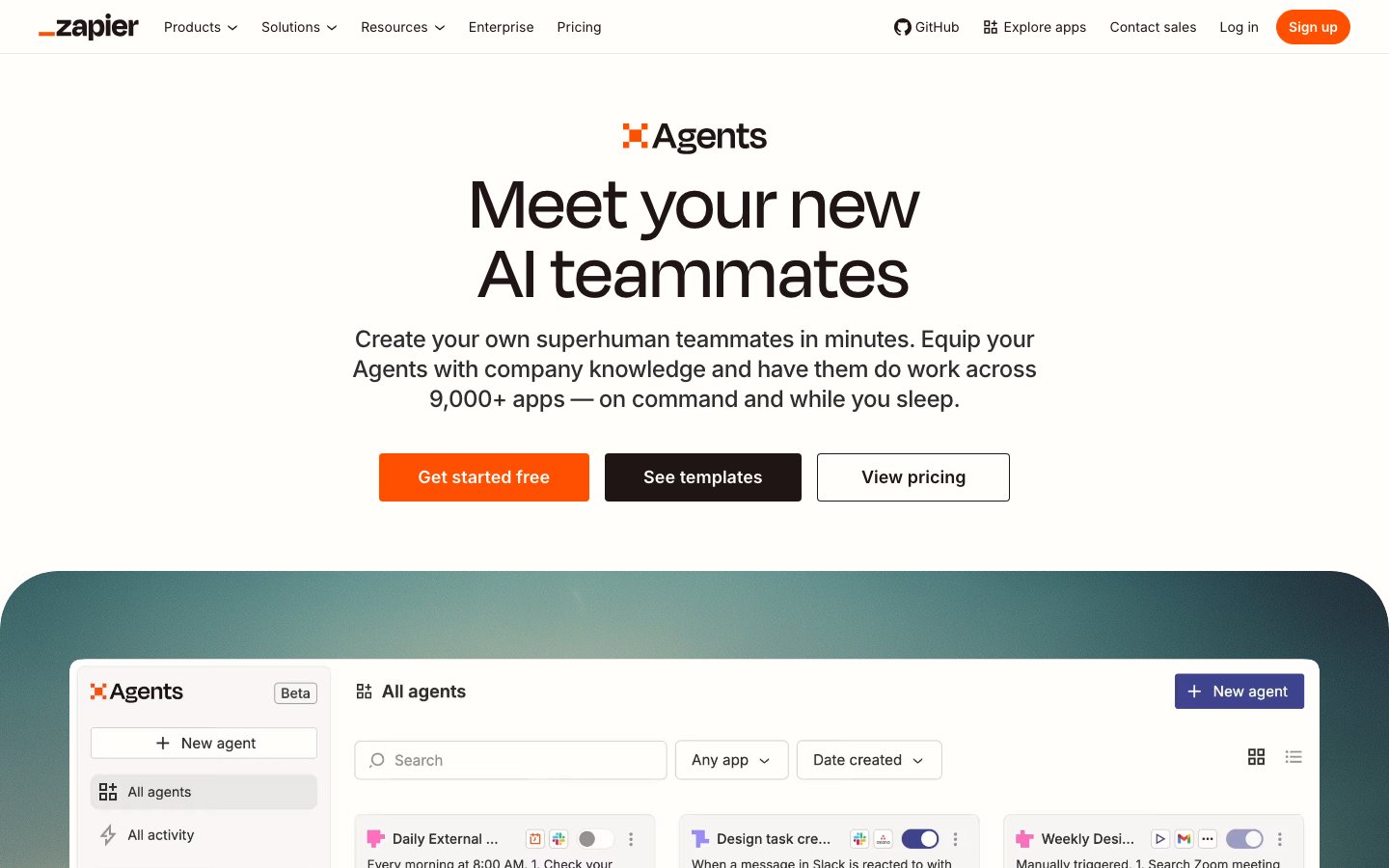
Zapier Agents is a tool for building internal AI assistants that help ecommerce teams find information across connected apps and handle assigned business tasks. Each assistant can use permitted reference material and app tools to choose the next step when a teammate asks for help or a configured event starts the work.
Zapier Agents is a tool for building internal AI assistants that help ecommerce teams find information across connected apps and handle assigned business tasks. Each assistant can use permitted reference material and app tools to choose the next step when a teammate asks for help or a configured event starts the work.
Zapier Agents is a tool for building internal AI assistants that help ecommerce teams find information across connected apps and handle assigned business tasks.
- Views
- 0
- Uses
- 0
- Favorites
- 0
- Supported Platforms
- Shopify · Stripe · Gmail · Slack · HubSpot · Salesforce · Google Drive · Notion · Zapier integrations
Buying view: Consider Agents when a task needs interpretation and a choice of tools. A fixed trigger-and-action process is usually easier to express as a Zap; a customer chat interface belongs to a different product scope.
Zapier Agents workflows for connected-app tasks
Zapier Agents lets a team build an internal assistant for work that requires interpreting a request and choosing among permitted app tools. The builder describes the task, connects the required accounts, selects searches or actions and adds reference documents where useful. A teammate can then ask the agent for help, or a configured trigger can start the task; the team checks its results before relying on them. Knowledge documents synchronize periodically, so a task that needs a current order or other live record requires a separate app search action. Agents is for internal work, not a customer chat widget on the storefront.
What teams can build with Zapier Agents
A team can start the same kind of internal work by asking an agent directly or by connecting a documented trigger. In either case, the builder supplies the task instructions and limits which knowledge and app tools the agent may use. The resulting answer or action stays within that configured workflow; it does not create a storefront chat service.
Internal assistant
A staff member asks a question or gives the agent a task in the internal workspace. The agent consults its permitted knowledge sources or performs permitted app searches and returns information for that colleague to check and use. This form suits tasks where a person decides when to ask and what to do with the answer.
Build an agent ↗Triggered agent
A configured event starts a task without waiting for a staff member to type a request. Before publishing, the builder chooses the trigger, task instructions and permitted connected-app actions. The agent then works within those limits, so the team should test the route and inspect the result before using it for store operations.
Build an agent ↗These are ways to use Agents, not separate subscription plans or an exhaustive list of use cases.
Instructions, knowledge and tools
An agent needs three different inputs: instructions for the job, reference material for answers and connected-app tools for finding or changing records. The builder chooses each one for the task rather than giving the agent every available connection. Knowledge lookups and app actions can each use activities, so the selected tools also affect running cost.
Instructions
Instructions tell the agent what staff want it to produce and what to do when the available information is insufficient. A builder writes the task in ordinary language, then tests both an expected request and a request the agent should decline or return to a person. Instructions guide its choices but do not grant account permissions.
Build an agent ↗Knowledge sources
Knowledge sources give the agent approved reference material, such as a policy document that staff would consult before answering a customer. The builder adds a supported file or connected document and checks its first synchronization. Later refreshes are periodic, so the agent needs a separate app search when the answer depends on a current order or inventory value.
Agent knowledge sources ↗App tools
App tools let the agent look up a connected business record or take a selected action. The builder connects the account and adds only the searches and actions needed for the job, then tests the behavior before publishing. An app appearing in Zapier's catalog does not make every action in that app available to this agent.
Build an agent ↗Build, test and publish an agent
The builder begins with an internal job, writes instructions, connects only the required sources and tools, and chooses how the agent starts. Test requests reveal missing answers or unwanted actions; the builder revises the setup and tests again before publishing. Once published, each run may choose among the permitted tools, so the team still checks the output for its business use.
- Create
Start with a template or describe the internal job and expected output in written instructions.
- Connect
Connect the accounts that hold the records or documents this task needs; leave unrelated accounts out.
- Configure
Choose the specific searches, actions and knowledge sources the agent may use, then set its entry or trigger.
- Test and refine
Try expected and missing-information requests; adjust the source, tools or instructions and test again when the result is wrong.
- Publish
Publish the reviewed agent for the configured internal entry or trigger, then inspect its task results in use.
An internal store-policy assistant
A support team needs to find the current written policy before drafting a customer reply. The agent retrieves the policy for an internal colleague; the colleague remains responsible for contacting the customer.
Prepare the sources
The policy owner prepares an approved document and notes when it was updated. The builder needs a Zapier account and access to the chosen knowledge source; this example does not connect customer orders or configure a send-email action.
Build the assistant
Define the internal task
Create an agent and instruct it to find the relevant policy passage for staff. State that missing information should be reported as missing, rather than turned into a promise to the customer.
Attach the approved source
Upload the supported policy file or connect the policy document from a supported app. Check the initial synchronization and remember that later document refreshes are periodic.
Test known and missing answers
Ask a question with an answer in the policy, then one the policy does not cover. Inspect the response, correct the source or instructions where needed, and repeat the test.
Publish for internal use
Publish after the team accepts the responses. Staff use the answer as reference and prepare the customer reply in their existing helpdesk; this example does not automatically send it.
Illustrative run
For example, a colleague asks whether the written return policy covers an opened item. The agent returns the relevant policy information or states that the document does not answer the question; staff decide the customer response. No order is changed.
Result and remaining work
The team receives an internal policy answer, not a resolved customer ticket. The policy owner maintains the document, while staff handle exceptions and any customer-facing action.
Zapier Agents pricing: activities and limits
Agents plans count activities separately from Zap tasks, so a buyer should compare the monthly allowance with the actions an agent will run.
View official pricing detailsAgents subscriptions use monthly activities, separately from Zap task allowances. One run may consume several activities through app actions, browsing or knowledge lookups.
Agents plans and activity allowances
The Free and Pro Agents plans have different monthly activity allowances; one run can consume multiple activities.
| Product or sales surface | Scope | Public price and status |
|---|---|---|
| Free | 400 activities per month. | $0/month |
| Pro | 1,500 activities per month; annual billing shown. | $33.33/month, billed annually |
| Enterprise | Custom activity allowance and contract. | Contact sales |
Zapier Agents alternatives: workflows and prices
This table compares Zapier Agents with Lindy, Gumloop and Make AI Agents by workflow scope and published price.
| Tool | Workflow difference | Official public price reference |
|---|---|---|
| Lindy | A Slack-centered assistant with per-user credits and approval before actions that affect external systems. Compare actual users and approval needs, not connector counts. | $29.99/user/month · Plus · 3,000 credits$99.99/user/month · Pro · 15,000 credits$199.99/user/month · Max · 35,000 creditsEnterprise: custom quoteOfficial pricing ↗ |
| Gumloop | Pro allows unlimited seats, but credits and concurrent-run limits still apply. Useful when several builders maintain agent and workflow tasks. | Pro: from $37/month · 20,000 advertised creditsEnterprise: custom quoteOfficial pricing ↗ |
| Make AI Agents | A builder-led route for explicit branches and failure handling. Its credits are measured differently from Zapier activities, and the underlying automation limits also differ. | Free: $0/month · 1,000 creditsCore: displayed from $9/month; billing cadence unverifiedPro: displayed from $16/month; billing cadence unverifiedTeams: displayed from $29/month; billing cadence unverifiedEnterprise: custom quoteOfficial pricing ↗ |
When should a team choose Zapier Agents?
Zapier Agents suits internal requests that need selected knowledge and app actions; fixed, repeatable steps may be easier to run as automation.
When this product fits
Zapier Agents fits an internal task when staff need an assistant to read a request, consult selected knowledge and choose among permitted app tools. A team should name the decision the agent will make and the result staff will check. If the trigger and every next action are already fixed, a Zap describes that route more directly; customer-facing chat requires a different product.
Compare judgment with fixed automation
Start with read-only lookups and internal drafts on the Free plan’s 400 activities per month. Record usage for ordinary and difficult tasks before buying Pro; 1,500 activities do not mean 1,500 completed orders. For shared agents, mandatory approvals or restricted write actions, confirm Enterprise controls and test rejected approvals, retries and failures before enabling real actions.
Zapier Agents questions answered
Zapier Agents usage depends on activity allowances, connected tools and the way an agent is triggered; these answers clarify the buying and setup boundaries.
Do I need a separate Agents plan if I already pay for Zapier?
Your existing Zapier task allowance should not be treated as an Agents allowance. Zap workflows and Agents have different usage meters and upgrade options; Agents has its own free allowance and paid plans. If the workflow also uses Zaps or Chatbots, budget for those separately rather than relying on a single platform price.
Does 1,500 activities mean 1,500 completed business tasks per month?
No. One business task can use several activities, including triggers, knowledge lookups, app actions and web work. Additional lookups or steps change consumption, so inspect ordinary and complex runs from your own workflow before translating the allowance into order or task capacity.
Can Zapier Agents run multi-step tasks, and what are the limits?
Yes, but per-run limits are separate from the monthly allowance. Free allows 10 activities per run, while Pro and Enterprise allow 40; a run that needs additional activities requests user input before continuing. It is not an unlimited, unattended multi-step executor.
Can I embed Zapier Agents in my store as a customer support chatbot?
A personal Zapier Agent is not an embeddable storefront support chatbot. Agents primarily handles tasks across connected apps for internal users; customer-facing website chat is a separate use case for products such as Zapier Chatbots. A shared inbox, human handoff and order support require evaluation of the complete support workflow.
Can an employee approve emails or order changes before execution?
Verify that each sensitive action is blocked until approved; a prompt asking the agent to seek permission is not a control. A mandatory approval gate for every Agents action is not established. Start with drafts, then use a separate controlled execution step. Record the approval, action result and final state in the destination app.
Does a supported app give an Agent access to all of that app’s operations?
No. An Agent can use only the specific actions you have connected and configured. An app listing does not establish that refunds, order cancellation or every writable field are available, so map each required object and action to native support, an additional Zap or development work.
Zapier Agents native knowledge sources
Zapier Agents can use selected connected documents and records as knowledge, subject to each connection's access and refresh rules.
Brings selected document text into the agent’s reference material with periodic synchronization. Documents are added individually.
Agent knowledge sourcesBrings selected worksheet records into the agent’s reference material with periodic synchronization. Headers are required; formulas synchronize as values.
Agent knowledge sourcesBrings selected table records into the agent’s reference material with periodic synchronization. Views are not supported as knowledge sources.
Agent knowledge sourcesBrings selected pages or databases into the agent’s reference material with periodic synchronization. Pages and databases are added individually; nested databases are excluded.
Agent knowledge sourcesBrings selected table records into the agent’s reference material with periodic synchronization. Table views cannot be used as knowledge sources.
Agent knowledge sourcesBrings tickets within the selected period into the agent’s reference material with periodic synchronization. The documented lookback is up to two months.
Agent knowledge sourcesBrings deals within the selected period into the agent’s reference material with periodic synchronization. This knowledge connector syncs deals, not all CRM objects.
Agent knowledge sourcesBrings eligible meeting transcripts into the agent’s reference material with periodic synchronization. Transcripts require Zoom Pro or higher and cloud recording.
Agent knowledge sourcesSources for Zapier Agents
The official product, help and pricing links below support the feature and purchasing claims on this page.
Zapier Agents user reviews and rating availability
A separate aggregate rating for Zapier Agents is not available here. Ratings for the parent platform or similarly named apps cover different products.
Content checked: