Shopify Sidekick: AI assistant for store admins
Shopify Sidekick is an AI assistant inside Shopify admin that helps merchants understand store performance and complete everyday store work. Merchants can ask about reports, draft content and prepare supported admin changes in one place, then review those changes before saving them.
Shopify Sidekick is an AI assistant inside Shopify admin that helps merchants understand store performance and complete everyday store work. Merchants can ask about reports, draft content and prepare supported admin changes in one place, then review those changes before saving them.
Shopify Sidekick is an AI assistant inside Shopify admin that helps merchants understand store performance and complete everyday store work.
- Views
- 0
- Uses
- 0
- Favorites
- 0
- Supported Platforms
- Shopify · Shopify Plus · Shopify POS · Shopify Email · Shopify Analytics · Shopify Flow · Shopify Balance
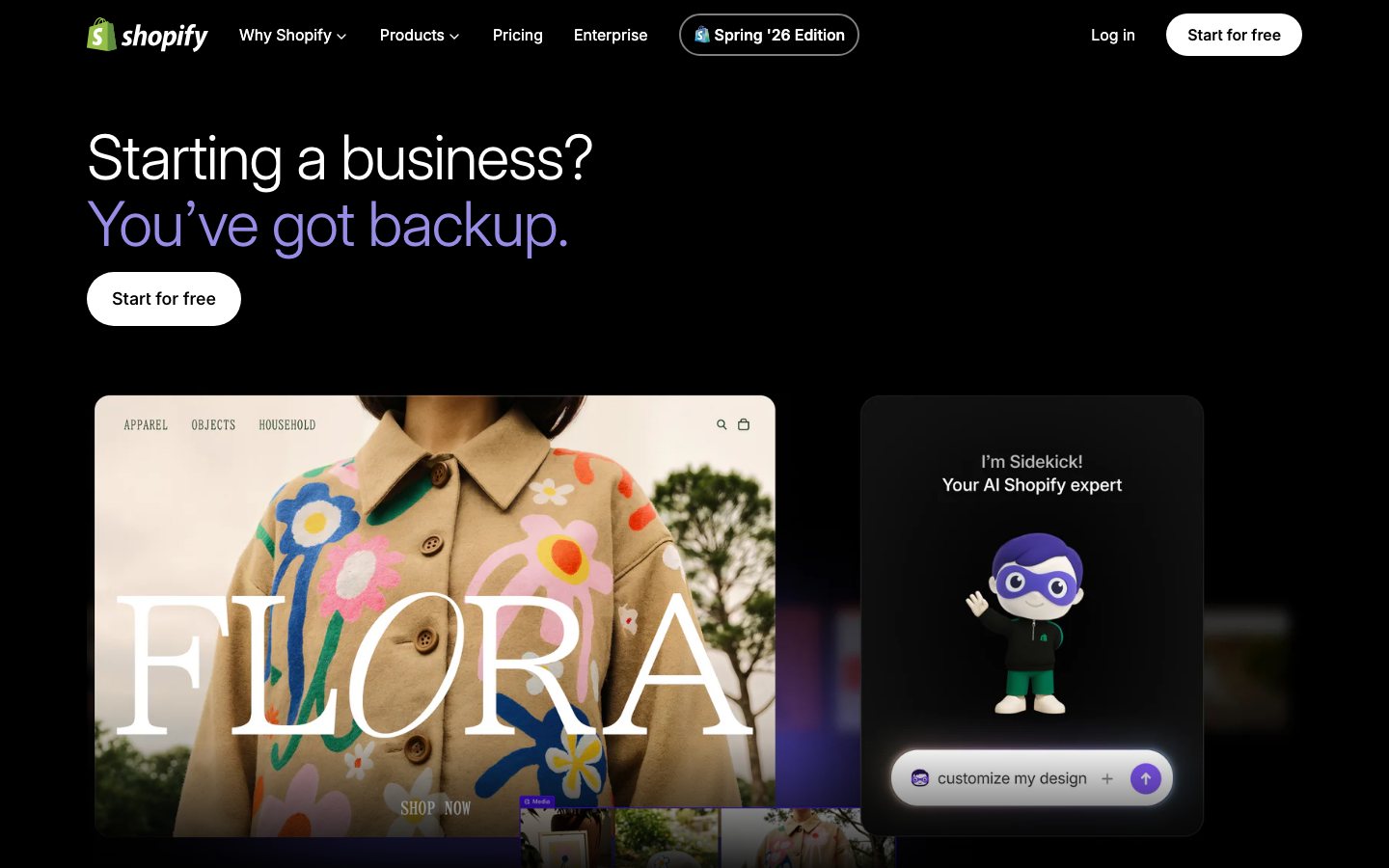
Buying view: Sidekick fits merchants who want assistance inside Shopify admin. It does not replace a customer support inbox or a cross-platform automation service; those tools serve different users and handle different triggers and operational records.
Shopify Sidekick workflows inside the admin
Shopify Sidekick is an assistant inside Shopify admin for merchants working on their own store. A merchant can ask about performance, inspect a report, draft content or prepare a supported store change, then check the answer before saving anything. In the relevant workspaces, Sidekick can help build a Shopify Flow automation or an internal admin app; those drafts need testing or review before activation. Eligible stores may also see Pulse suggestions for work to investigate, but availability varies by feature and store.
Find store answers and prepare admin changes
A merchant may know the question but still need to find the right report, content field or admin action. Sidekick lets the merchant describe the work in ordinary language within Shopify admin. It returns information or a proposal for review, while changes to the store remain under merchant control.
Ask, inspect and confirm in Shopify admin
The merchant opens Sidekick in Shopify admin, describes the task and checks the answer against the intended store work. An information request can end there; content, order, Flow and app requests each have a separate save, update, activation or installation step. Flow and app creation also depend on their documented workspaces and eligibility rules.
How Sidekick handles answers, Flow and app creation
Sidekick can explain store data, prepare Shopify Flow workflows or generate an internal app; the merchant reviews the result before using it.
Analyze a question or prepare a store change
A merchant asks Sidekick about the store or opens a Pulse suggestion if that feature is available. Sidekick may return information, help analyze a report or prepare a supported change. The merchant checks the result and can ask for revisions; an information request ends there. A proposed store update requires the merchant's separate confirmation before anything changes.
Generate and activate a Shopify Flow workflow
With Shopify Flow open, the merchant describes the repeated store task and Sidekick helps assemble its trigger and actions. The merchant checks whether those steps match the intended event, tests the draft and revises it if needed. Only a separate Turn on action starts the workflow against future store events.
Build an internal Shopify admin app
An eligible merchant describes the internal admin tool they need. Sidekick proposes a plan and generates an app for preview; the merchant checks the behavior and requests changes before installation. Once satisfied, the merchant installs it in Shopify admin. The documented path covers internal admin tools rather than storefront, checkout or external-data apps.
Reports, admin edits, Flow and app generation
Sidekick supports reporting questions, admin content work, Flow authoring and app generation under different eligibility rules.
Analytics and reporting
Analytics and reporting helps a merchant investigate a store question, such as what happened to sales over a chosen period. Sidekick can work from store context to answer and help create a report or chart. The merchant checks the date range and metric meaning before using that result to decide what to change.
Content and admin changes
The content and admin changes module helps a merchant prepare work that would otherwise require filling fields or editing records in Shopify. Sidekick can draft content, help with supported forms and propose an order change. The merchant reviews the proposed text or values and confirms the relevant save or Update order action; a chat answer alone does not alter the store.
Shopify Flow
Shopify Flow is for repeatable work that starts when a defined store event occurs. With Flow open, a merchant describes the automation and Sidekick helps create or edit its trigger and actions. The merchant inspects and tests the draft, then turns it on separately; generating a Flow does not start it running against live events.
App generation
App generation serves merchants who need an internal tool inside Shopify admin. An eligible merchant describes the tool, reviews Sidekick's plan, previews the generated app and requests revisions before installing it. This desktop feature requires an eligible Shopify plan and Develop permission; it does not generate storefront, checkout or external-data apps.
Pulse
Pulse brings possible tasks to a merchant before they type a question. For an eligible store, it uses store context to suggest work the merchant may want to investigate with Sidekick. The merchant chooses whether to open a suggestion and remains responsible for approving any resulting store change. Pulse is an early-access feature with separate eligibility conditions.
Shopify Sidekick cost and feature limits
Sidekick is included with eligible Shopify subscriptions, but specific capabilities have separate availability and usage conditions.
View official pricing detailsSidekick is included with Shopify plans rather than sold here as an independent subscription. The underlying Shopify subscription remains required. Specific capabilities have additional eligibility conditions.
Included access and feature eligibility
The Shopify plan provides Sidekick access; app generation and other features may have additional eligibility or usage limits.
| Product or sales surface | Scope | Public price and status |
|---|---|---|
| Sidekick | Included with Shopify; the store subscription is separate. | No separate Sidekick subscription price |
| App generation | Grow, Advanced or Plus; desktop admin and Develop permission. | Included only where eligible |
| Pulse | Early access for eligible stores; recent sales and required settings. | Availability is not universal |
Shopify Sidekick and related automation tools
This table separates Sidekick's admin assistance from Shopify Flow, MESA and Zapier Agents, then compares their pricing models.
| Tool | Workflow difference | Official public price reference |
|---|---|---|
| Shopify Flow | A rule engine that runs enabled workflows after a trigger, rather than answering a merchant in chat. Sidekick can help create a Flow, but staff must review and enable it. | Included with eligible Shopify plans; no separate Flow feeHTTP request step requires Grow or higherOfficial pricing ↗ |
| MESA | A Shopify-oriented workflow builder for repeatable steps across apps. Check ordinary and premium task allowances; it is not a merchant chat assistant. | Starter: $0/month · 50 standard + 50 premium tasksBasic: $12/month · 500 standard + 50 premium tasksFlex: $29/month · 10,000 standard + 500 premium tasksPro: $99/month · 50,000 standard + 1,500 premium tasksUnlimited: $299/month · unlimited standard + 4,500 premium tasksCustom: custom quoteOfficial pricing ↗ |
| Zapier Agents | An internal agent for interpreting requests and choosing actions across connected apps. It has its own activity meter, unlike Sidekick included within Shopify. | Free: $0/month · 400 activitiesPro: $400/year · 1,500 activities/monthEnterprise: custom quoteOfficial pricing ↗ |
When should a merchant use Shopify Sidekick?
Sidekick fits merchants working inside Shopify admin who can review its suggestions before applying store changes.
When this product fits
Sidekick fits a merchant who already works in Shopify admin and wants help finding answers, reviewing reports or preparing supported changes there. The merchant remains responsible for checking and approving work that affects the store. If the main job is answering customer messages, the team needs a customer support inbox; if it is running a fixed recurring process, it should also evaluate Flow or another automation service.
Separate admin assistance from customer support
For work inside Shopify admin, first ask Sidekick to explain a report, prepare an order edit and create a simple rule. Check whether each result is a suggestion, a pending change or an applied change. Use Flow for an ongoing fixed rule; compare MESA for more app steps and Zapier Agents for cross-app interpretation. If your current plan is Basic, include the Grow upgrade cost when internal app generation or Flow HTTP calls are required.
Shopify Sidekick questions answered
Shopify Sidekick's included access does not make every feature unlimited; these answers clarify costs, permissions and use cases.
Does Sidekick cost extra, and are all included features unlimited?
Sidekick is included in eligible Shopify plans without a separate subscription, but not every feature has unlimited usage. Internal app generation is available only on Grow, Advanced and Plus, using a desktop browser with the staff permission App development > Develop; Basic does not include it. App generation also has hourly and weekly limits, complexity affects consumption, and no universal numeric allowance is publicly specified.
Can Sidekick replace a helpdesk and reply directly to shoppers?
Sidekick should not be treated as a customer-facing helpdesk. Its primary user is the merchant working in Shopify admin; shopper chat, human handoff and support tickets still require an appropriate support product. Helping a merchant prepare content or changes does not mean shoppers can directly submit and complete support requests through it.
How do Sidekick, Shopify Magic and Shopify Flow differ?
Sidekick is the merchant’s conversational assistant, Magic is Shopify’s family of embedded AI capabilities, and Flow executes event-and-rule-based workflows. Sidekick can help prepare a Flow workflow, but the merchant still needs to review, test and activate it; subsequent runs do not mean Sidekick approves each event again. Decide whether you need immediate assistance, content generation or ongoing rule-based execution.
Is an order already changed after I ask Sidekick to edit it?
Not necessarily: preparing a change and submitting it are separate steps. In the documented order-editing workflow, Sidekick helps prepare the edit and takes you to the editing interface, where the merchant reviews it and submits it with Update order. Verify the actual order record rather than relying only on a suggestion or completion message.
Can Sidekick see every app’s data, including information a staff member cannot access?
No such access should be assumed: Sidekick is constrained by the user’s permissions and available data connections. Some third-party apps can work with it, but unconnected or unauthorized data should not be treated as part of the analysis. Check sources, dates and missing data when asking about sales, profit or inventory rather than assuming company-wide visibility.
Can Sidekick replace inventory forecasting and purchasing software?
Do not assume a complete replacement: Sidekick can help with inventory questions and, on Grow or above, generate an app that recommends reorders from sales velocity, but this does not establish full purchasing-planning capability. Supplier lead times, historical stockouts, incoming-order dates, pack sizes, budgets and purchase-order execution still require individual verification. Start with Sidekick for lightweight admin queries and recommendations, then compare dedicated planning products for an explainable, reviewable purchasing plan.
Shopify Sidekick connections to installed apps
Sidekick can read supported information from selected installed apps within a conversation, according to each app's extension and permissions.
Ask Sidekick about email or SMS campaign results from the installed Klaviyo app before changing a campaign. Approve app access for that conversation; the extension determines which details or actions Sidekick can use.
Official integration guideBring Judge.me review information into a Sidekick conversation to check what customers praise or complain about. Approve access for that conversation; available review details and actions depend on the extension.
Official integration guideAsk Sidekick about Seguno email activity when reviewing a store campaign. Approve app access for the conversation; the extension defines the information and actions available.
Official integration guideUse Sidekick to ask about the installed TikTok app while checking a social-commerce campaign. Approve access for the conversation; the extension determines which campaign information is available.
Official integration guideAsk Sidekick about Mailchimp email or SMS activity while reviewing customer communications. Approve app access for the conversation; the extension controls available details and actions.
Official integration guideUse a Sidekick conversation to find or discuss Checkout Links when preparing a checkout campaign. Approve access first; the extension determines whether Sidekick can inspect or act on a particular link.
Official integration guideAsk Sidekick about information exposed by the installed Bloomreach extension while reviewing personalization or marketing work. Approve access for the conversation; available data and actions are extension-specific.
Official integration guideReview returns or exchanges from Loop in a Sidekick conversation before deciding what needs staff follow-up. Approve app access for that conversation; the extension determines available details and actions.
Official integration guideAsk Sidekick about AfterShip Returns activity when checking the return workload. Approve access for the conversation; the extension determines which cases and actions are exposed.
Official integration guideUse Sidekick to review Smile loyalty or rewards information before adjusting retention work. Approve app access for the conversation; the extension controls which information and actions are available.
Official integration guideAsk Sidekick about Yotpo product-review activity to spot feedback needing attention. Approve access for the conversation; review details and actions depend on the extension.
Official integration guideDiscuss Abra promotion information in Sidekick before changing a discount campaign. Approve app access for the conversation; the extension determines what Sidekick can inspect or change.
Official integration guideAsk Sidekick about Discount Kit promotions while checking an offer's setup or performance. Approve access for the conversation; the extension determines which details and actions are available.
Official integration guideUse Sidekick to discuss Kitenzo bundle offers when reviewing product promotions. Approve app access for the conversation; the extension defines available bundle details and actions.
Official integration guideAsk Sidekick about information from the installed Printful app while checking print-on-demand products or orders. Approve access for the conversation; exposed records and actions depend on the extension.
Official integration guideUse Sidekick to check information from the installed Syncee app when sourcing products. Approve access for the conversation; the extension determines which supplier or product details are available.
Official integration guideAsk Sidekick about Matrixify-related store data work before a bulk import or export. Approve access for the conversation; the extension determines available information and actions.
Official integration guideUse Sidekick to ask about information exposed by Avia when reviewing in-store traffic. Approve access for the conversation; the extension determines which traffic details are available.
Official integration guideSources for Shopify Sidekick
The official product, help and pricing links below support the feature and purchasing claims on this page.
Shopify Sidekick user reviews and rating availability
A separate aggregate rating for Shopify Sidekick is not available here. Ratings for the parent platform or similarly named apps cover different products.
Content checked: